Hey, if you use Google Messages on your work phone, watch out! A new update might let your boss peek at your private texts. It’s all about RCS chats, which are the fancy new way to send messages. Don’t worry – I’ll explain it simply and tell you how to fix it.
What Happened with the Update?
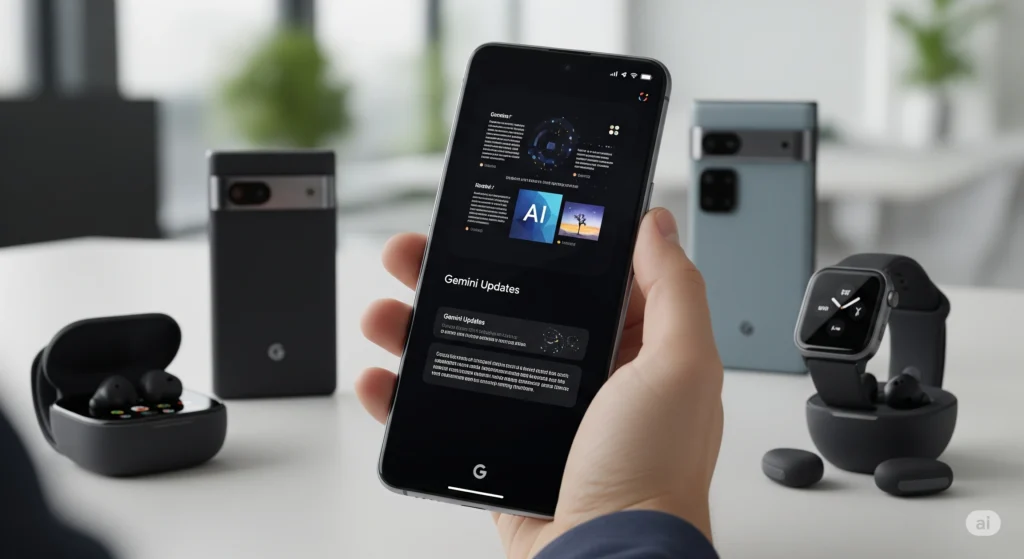
Google just rolled out a big change to its Messages app. This app is the default texting tool on most Android phones. The update makes RCS (Rich Communication Services) the main way to chat. RCS is like supercharged SMS – it lets you send high-quality photos, see when someone is typing, and more.
Sounds great, right? But here’s the catch: RCS works with your Google account. If your work phone uses your company’s Google Workspace (that’s their email and work tools), your boss’s IT team might now see your RCS messages. They could read them in real time!
This isn’t some secret trick. It’s because RCS ties into your work account. Old-school SMS texts? Those stay private. But RCS? Not so much if IT has access.
Why Does This Matter for Work Phones?
Many companies give employees Android phones linked to their work email. Before this update, chats were safe because they used basic SMS. Now, with RCS on by default, your fun group chats or quick talks with friends could pop up in your boss’s reports.
Think about it: Typing indicators, read receipts, and even deleted messages might show up. Yikes! Privacy experts are already warning people to check their settings.
How to Keep Your Chats Private
Good news – you can turn this off easily. Here’s a quick step-by-step:
- Open Google Messages: Find the app on your phone and tap it.
- Go to Settings: Tap your profile picture in the top right, then hit “Messages settings.”
- Find RCS Chats: Scroll down to “RCS chats” and tap it.
- Turn It Off: Toggle the switch next to “Turn on RCS chats” to off. Confirm if it asks.
Boom! RCS is disabled, and your messages go back to safe SMS mode. No more spying risks.
If your phone is fully managed by work IT, they might block this change. In that case, ask your IT team nicely to help – or stick to apps like Signal for private talks.
Is RCS All Bad? Nope!
RCS is awesome for better texting – bigger files, better group chats, and fun reactions. Just use it on your personal phone, not the work one. Google says this update is to make messaging smoother, but they should’ve warned folks about the work angle.
Quick Tips for Phone Privacy
- Use Personal Apps: For secret stuff, try WhatsApp or Telegram. They encrypt everything end-to-end.
- Check Your Accounts: Make sure work and personal Google logins are separate.
- Update Wisely: Always read what’s new in app updates before hitting “install.”
Stay safe out there! If your boss is nosy, better safe than sorry. Got questions? Drop a comment below.